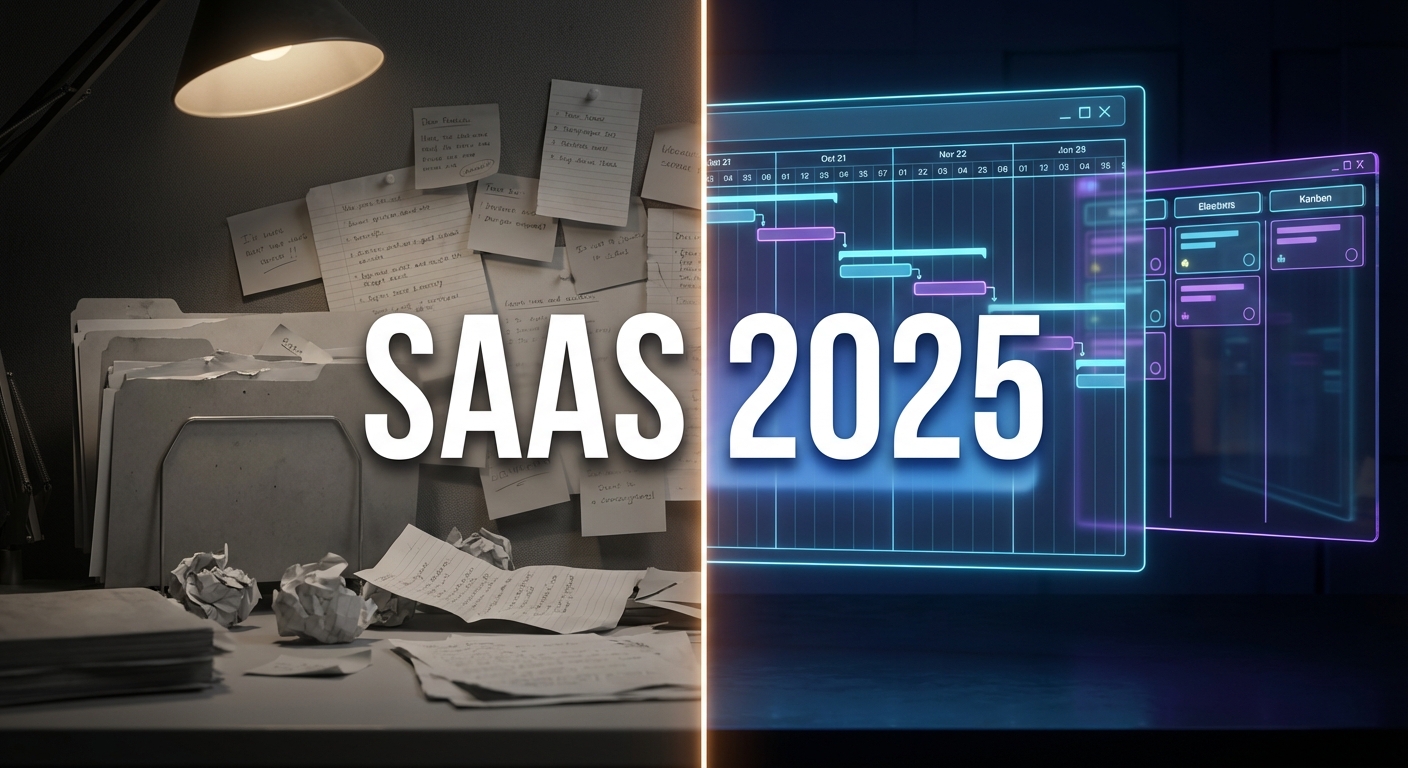
- Direct Answer: The Top SaaS Tools Compared
- 1. Selection Criteria: Beyond the Feature List
- 2. The Heavyweights: Wrike vs. ClickUp vs. Jira
- 3. Pricing Models: Avoiding the "Per-User" Tax
- 4. Features for Remote & Hybrid Teams
- 5. Implementation: The "Digital Transformation" Angle
- 6. Recommended Resource: Strategy Before Software
- Frequently Asked Questions
For most SaaS teams in 2025, ClickUp offers the best balance of features and affordability ($7/user/mo), while Wrike is the superior choice for enterprise-grade resource management. If your workflow is strictly software development, Jira remains the industry standard. Key comparison factors include real-time collaboration (docs, chat), automation limits, and integration with the wider tech stack (Slack, GitHub, Salesforce).
Choosing a SaaS project management tool is no longer just about organizing tasks; it is about choosing the "operating system" for your company. In 2025, the market is flooded with platforms that promise to do everything from time tracking to AI content generation. The agitation for team leads is distinct: buy a tool that is too simple (like Trello) and you hit a ceiling; buy one that is too complex (like Jira) and your marketing team revolts.
The solution lies in understanding the mechanism of your team’s workflow. Does your team operate on Agile sprints, or do you follow a rigid Waterfall methodology? This guide cuts through the marketing fluff to compare the actual utility of these tools for SaaS and Enterprise teams, supported by data from industry authorities like The Digital Project Manager.
1. Selection Criteria: Beyond the Feature List
Most comparison charts look identical: checkmarks for "Due Dates," "Assignees," and "Mobile App." These are table stakes. In 2025, the differentiators are far more technical.
Integration Ecosystem
Your project management tool cannot exist in a vacuum. It must be the central nervous system that connects your CRM, your code repository, and your communication channels. If a developer closes a ticket in GitHub, does it automatically move the card in your PM tool? If not, you are creating administrative friction.
Scalability & Permissions
A common mistake is selecting a tool that works for 10 people but breaks at 100. You need granular permission settings. Can you hide specific budget fields from freelancers? Can you create "View Only" guest accounts for clients? This "Governance" aspect is often overlooked until a sensitive document leaks.
2. The Heavyweights: Wrike vs. ClickUp vs. Jira
Wrike: The Enterprise Powerhouse
Wrike excels at Resource Management. Unlike other tools that just list tasks, Wrike allows you to visualize workload distribution. You can see that "Designer A" is allocated 40 hours this week while "Designer B" is free. This prevents burnout and bottlenecking, making it ideal for agencies and large departments.
ClickUp: The "One App to Replace Them All"
ClickUp’s strength is its Customizability. You can turn a list of tasks into a Kanban board, a Gantt chart, or even a Spreadsheet view with a single click. It is aggressive on features, offering built-in docs, whiteboards, and chat. However, this flexibility can lead to a steep learning curve.
Jira: The Developer’s Standard
For pure SaaS product development, Jira is undefeated. Its native integration with Bitbucket and GitHub, along with robust Scrum/Kanban reporting (Burndown charts, Velocity tracking), makes it the default for engineering. However, it is notoriously difficult for non-technical teams (marketing, HR) to adopt due to its complex UI.
3. Pricing Models: Avoiding the "Per-User" Tax
Pricing is often the deciding factor, but the sticker price is deceptive. As detailed in our productivity software pricing comparison, hidden costs often lurk in the fine print.
The "Gatekeeper" Features
Vendors often gate essential features behind the "Business" or "Enterprise" tier. For example, Asana locks "Portfolios" (the ability to see multiple projects at once) behind its higher tier. Monday.com has a "minimum seat count" (you must buy in packs of 3 or 5). Always calculate your "Fully Loaded" cost, which includes the necessary add-ons for security (SSO) and reporting.
4. Features for Remote & Hybrid Teams
For distributed teams, Asynchronous capability is king. You need a tool that reduces the need for meetings. This means robust commenting systems, “@mentions” that actually trigger notifications, and the ability to record screen clips directly into tasks.
We analyzed the market for the best project management SaaS for remote teams and found that tools prioritizing "Context" over "Chat" perform best. A comment attached to a specific task is infinitely more valuable than a message lost in a Slack channel.
5. Implementation: The "Digital Transformation" Angle
Buying the tool is the easy part; getting your team to use it is the hard part. Implementation requires a cultural shift. You must define your "Rules of Engagement." When do we use a Task vs. an Email? How do we name our files?
Without a strategy, your shiny new SaaS tool will just become a digital junk drawer. For a step-by-step guide on rolling out new technology, refer to our digital transformation roadmap.
6. Recommended Resource: Strategy Before Software
The biggest misconception is that software fixes broken processes. It does not. It simply accelerates them. If your process is chaotic, software will just make you chaotic faster. Before you sign a contract for 50 seats, invest in upskilling your management team on the principles of project management.
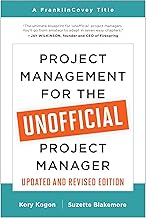
We recommend "Project Management for the Unofficial Project Manager". It bridges the gap between formal PMP certification and the reality of managing modern SaaS teams.
Frequently Asked Questions
What is the best free project management tool?
ClickUp offers the most generous "Free Forever" plan, allowing unlimited tasks and members, though storage is limited. Trello is excellent for very small teams who just need a simple Kanban board.
Is Jira suitable for marketing teams?
Generally, no. While possible, Jira’s interface is designed for software tickets. Marketing teams usually prefer Asana or Monday.com for their visual timelines and creative approval workflows.
What is a Gantt Chart and why do I need it?
A Gantt chart visualizes your project timeline, showing start/end dates and dependencies (e.g., "Task B cannot start until Task A is finished"). It is essential for ensuring that delays are caught early in complex projects.
How does pricing for these tools compare?
Most tools average between $10-$15 per user/month for their "Business" tiers. Enterprise tiers, which include advanced security and support, typically require a custom quote and can exceed $30/user/month.
Can I migrate data from Trello to ClickUp?
Yes, almost all major SaaS project management tools offer "One-Click Import" features to pull data from competitors like Trello, Basecamp, or Asana, preserving your task history and attachments.