- Direct Answer: Top AI Productivity Tools 2025
- 1. The All-in-One Assistants: ChatGPT vs. Perplexity
- 2. Project Management: The Rise of “Work OS” (ClickUp & Asana)
- 3. Meeting Intelligence: How NLP Turns Talk into Text
- 4. The Automation Layer: Connecting the Dots with Zapier
- 5. Hardware Recommendation: Physical Control for Digital Tools
- Frequently Asked Questions
What are the best AI tools for everyday productivity in 2025?
The top AI productivity tools for 2025 are categorized by their primary function: ChatGPT (best for general text generation and coding), ClickUp (best for AI-integrated project management), and Otter.ai (best for meeting transcription). For workflow automation, Zapier remains the industry standard, allowing users to chain these disparate tools together without writing code.
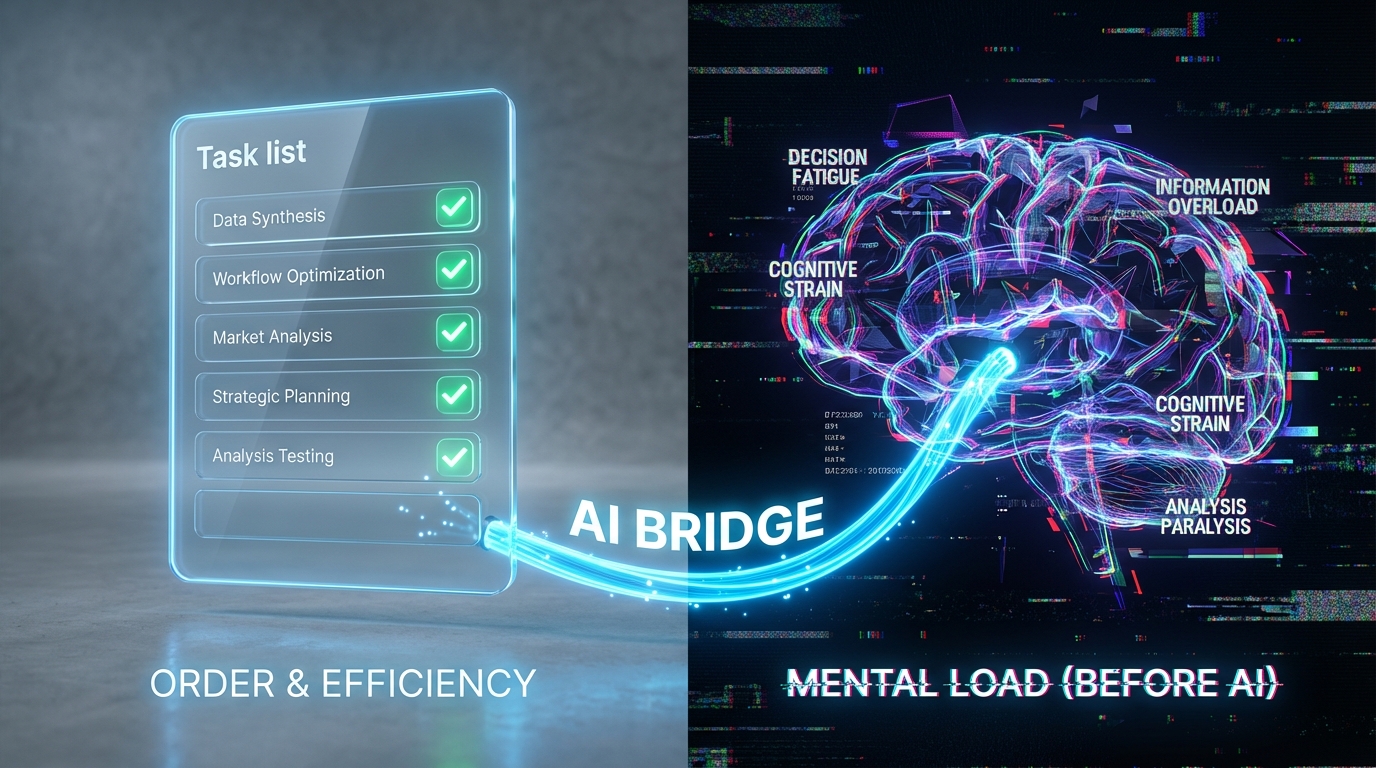
The productivity landscape has shifted from simple “to-do lists” to complex AI ecosystems. The challenge in 2025 is not finding a tool, but selecting the right stack that actually saves time rather than creating more administrative work. This guide breaks down the mechanisms behind the top tools and how to integrate them.
1. The All-in-One Assistants: ChatGPT vs. Perplexity
For most professionals, the entry point into AI productivity is the Large Language Model (LLM). However, simply treating these tools like chatbots is a mistake. To unlock their value, you must understand their specific use cases.
ChatGPT (OpenAI): The Creative Engine
ChatGPT remains the dominant force for generative tasks. Its strength lies in its ability to draft emails, write code snippets, and brainstorm marketing angles. The mechanism here is predictive text generation—it excels at creating new content based on patterns.
Perplexity AI: The Research Engine
Unlike ChatGPT, which can sometimes hallucinate facts, Perplexity is designed as an answer engine. It cites its sources in real-time. If you are conducting market research or need to verify a statistic, Perplexity is the superior tool because it aggregates live web data. For a deeper look at how these tools fit into a broader business strategy, check our analysis of LLM implementation costs and automation.
2. Project Management: The Rise of “Work OS” (ClickUp & Asana)
Gone are the days of static spreadsheets. The new standard for 2025 is the Work OS—a platform that centralizes tasks, docs, and goals. The integration of AI has transformed these platforms from passive logs into active assistants.
ClickUp Brain:
ClickUp has aggressively integrated AI to function as a “Neural Network” for your files. Instead of searching for a document, you can ask ClickUp, “What did John say about the Q3 budget?” and it will scan tasks, docs, and chats to find the answer. This reduces context switching, which is the primary killer of productivity.
Asana Intelligence:
Asana focuses on workflow optimization. Its AI analyzes your team’s historical data to identify bottlenecks. For example, if a design review always takes 4 days, Asana will flag this risk before the project even starts. This predictive capability is essential for distributed teams managing complex timelines.
3. Meeting Intelligence: How NLP Turns Talk into Text
Meetings are often cited as the biggest drain on corporate efficiency. AI tools like Otter.ai and Fireflies.ai solve this using Natural Language Processing (NLP).
The Mechanism:
These tools do not just record audio; they diarize it. This means the AI distinguishes between Speaker A and Speaker B, transcribes the conversation, and then generates a bulleted summary of action items. This eliminates the need for a dedicated note-taker.
Trust Signal:
According to Webex, the future of meetings involves “zero-touch” summaries, where the AI automatically pushes tasks to your project management board. This seamless integration ensures that verbal agreements are instantly converted into trackable tasks.
4. The Automation Layer: Connecting the Dots with Zapier
Having the best tools is useless if they don’t talk to each other. Zapier acts as the glue of the modern productivity stack.
How It Works:
Zapier uses APIs (Application Programming Interfaces) to create “Zaps”—automated workflows that trigger based on events.
Example Workflow: When a new lead fills out a form on your website (Trigger), Zapier automatically sends a message to Slack (Action 1) and adds the contact to Salesforce (Action 2). This happens without human intervention.
For businesses looking to overhaul their entire digital infrastructure, understanding these automation flows is a key part of a strategic digital transformation roadmap.
5. Hardware Recommendation: Physical Control for Digital Tools
While software is critical, the physical interface you use to control it can dramatically speed up your workflow. The Elgato Stream Deck is not just for gamers; it is a powerhouse for productivity enthusiasts.
Why It Works:
You can program its LCD keys to trigger complex macros. One button press can open your email, launch Zoom, and set your Slack status to “In a Meeting.” This tactile control bypasses the need to hunt for desktop icons.

Frequently Asked Questions
Is ChatGPT free to use for business?
ChatGPT offers a free tier, but it has limits on speed and model quality (GPT-3.5 vs GPT-4). For serious business use, the Plus or Enterprise plans are recommended to ensure data privacy and faster response times.
How secure are AI meeting assistants?
Security varies by provider. Tools like Otter.ai and Zoom AI Companion have enterprise-grade encryption. However, you should always check if the tool uses your data to train its models before discussing sensitive trade secrets.
Can Zapier connect any app?
Zapier connects with over 5,000 apps, including almost all major business software (Google Workspace, Slack, Salesforce). If an app has a public API, it is likely on Zapier.
What is the difference between Asana and ClickUp?
Asana is generally considered more user-friendly and stable for standard project management. ClickUp offers more features (like docs, whiteboards, and email) in one app but can have a steeper learning curve.
Do I need coding skills to use these AI tools?
No. The revolution of 2025 is “No-Code.” Tools like Zapier and ClickUp are designed with visual interfaces, allowing anyone to build complex automations using drag-and-drop logic.