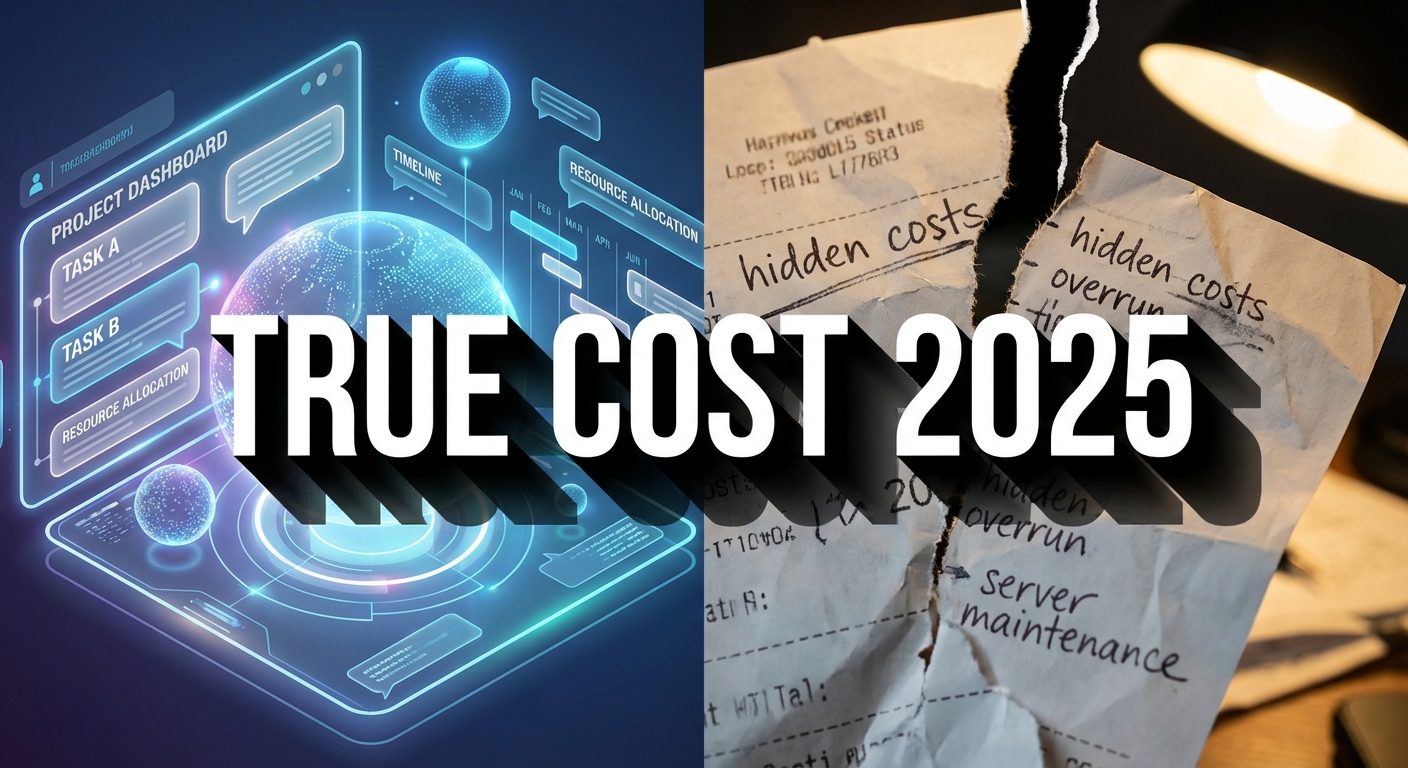
- Direct Answer: 2025 Pricing Summary
- The "Per-User" Trap: Understanding SaaS Models
- Top Players Compared: Asana vs. ClickUp vs. Monday
- Hidden Costs: What the Pricing Page Won’t Tell You
- ROI Analysis: Calculating the Cost of Inefficiency
- The Hybrid Approach: Physical Tools
- Frequently Asked Questions
Productivity Software Pricing Comparison 2025: The Direct Answer
In 2025, the average cost for professional productivity software ranges from $10 to $30 per user/month. ClickUp offers the best value for small teams ($7/user/mo), while Asana ($10.99/user/mo) and Monday.com ($12/user/mo) dominate the mid-market with superior automation features. For enterprise scalability, expect costs to exceed $45/user/mo when including advanced security and dedicated support.
Choosing the right productivity software in 2025 is no longer just about features; it is a financial strategy exercise. As SaaS costs rise across the board, businesses are facing a critical dilemma: do you pay a premium for an "all-in-one" ecosystem, or do you stitch together cheaper, specialized tools? The agitation for many managers is the realization that the sticker price is rarely the final price. A platform that starts at $10 per user can quickly balloon to $50 once you add necessary integrations, guest seats, and storage caps.
The solution requires looking beyond the pricing table and understanding the mechanism of SaaS billing. Most providers operate on a tiered "per-seat" model that penalizes growth. However, newer entrants are disrupting this with "resource-based" pricing or generous free tiers for external collaborators. As highlighted by reviews on G2 and TrustRadius, the best value often lies in identifying which specific "gatekeeping" features (like Gantt charts or SSO) force you into a higher bracket.
The "Per-User" Trap: Understanding SaaS Models
The standard pricing model for productivity software is Per User Per Month (PUPM). On the surface, this seems fair—you pay for what you use. However, the hidden trap lies in the definition of a "user." In 2025, many platforms define a user as anyone with edit access. This becomes problematic when you need to invite a freelancer or a client to view a project. Suddenly, you are paying full price for someone who logs in once a month.
Why this matters: If you are running a best project management SaaS for remote teams, your collaborator count can fluctuate wildy. The mechanism to beat this trap is to prioritize software that offers unlimited guest access (like ClickUp or Wrike's specific tiers). This allows you to keep your core "paid" team small while scaling your external network indefinitely without breaking the budget.
Top Players Compared: Asana vs. ClickUp vs. Monday
We have analyzed the "Professional" tiers of the major players—the sweet spot for most businesses that need automation but not enterprise-grade compliance.
| Platform | 2025 Pricing (Avg) | Best Value For | Key Limitation |
|---|---|---|---|
| ClickUp | $7 – $12 / user / mo | Feature-richness on a budget | Steeper learning curve due to complexity |
| Asana | $10.99 – $24.99 / user / mo | User Experience & Design | Limit on automations in lower tiers |
| Monday.com | $9 – $19 / user / mo | Visual customization & Sales teams | "Seat minimums" (must buy in packs of 3 or 5) |
| Smartsheet | $7 – $25 / user / mo | Spreadsheet power users | Not intuitive for creative workflows |
Analysis: If your team heavily relies on visual content creation, AI content creation tools integration is becoming a standard feature. Asana is currently leading the charge here with its "Intelligence" features, but they often push you into the higher pricing tier ($24.99+). ClickUp remains the aggressive loss-leader, offering 80% of the features for 50% of the price, aiming to capture the market share of startups and SMBs.
Hidden Costs: What the Pricing Page Won’t Tell You
The advertised price is rarely what you pay. In 2025, software companies are increasingly decoupling critical features and selling them as "Add-ons." A common mistake is budgeting strictly for the license fee without accounting for these silent budget killers.
1. Storage Caps:
Many "Standard" plans come with a storage limit (e.g., 10GB). For a design agency, this is negligible. Once you hit the cap, you are forced to upgrade the entire team to the next tier, effectively doubling your monthly bill just to store a few more PDFs.
2. Single Sign-On (SSO):
This is the most notorious "Enterprise Tax." If your IT department requires SSO (logging in via Okta or Google Workspace) for security, most vendors (like Monday.com or Trello) force you into the Enterprise plan, which requires a custom quote and annual contract. This relates directly to scalability challenges in enterprise software, where security compliance dictates your tooling choices regardless of the feature set you actually need.
ROI Analysis: Calculating the Cost of Inefficiency
Is spending $30/user/month worth it? The answer lies in the "Cost of Context Switching." Research suggests that it takes 23 minutes to refocus after an interruption. If a superior tool saves each employee from just two interruptions a week by centralizing information, it pays for itself.
The mechanism of ROI here is centralization. A cheaper tool often lacks deep integrations, forcing your team to switch between Slack, Email, and Excel. A premium tool like Asana or Monday.com acts as an "Operating System for Work," reducing that friction. When evaluating price, calculate the "hourly wage saved" rather than the raw software cost. If a $20 tool saves one hour of a developer’s time (worth $50+), the ROI is immediate.
The Hybrid Approach: Physical Tools
Sometimes, software is not the answer. Digital fatigue is real, and for high-level strategic planning, many executives in 2025 are returning to analog methods to complement their digital dashboards. A "Hybrid Productivity" system uses software for team tracking and physical planners for personal deep work.
Using a physical planner for your daily "Top 3" priorities can prevent the notification overload inherent in SaaS tools. It forces a moment of disconnection and focus that software simply cannot provide.

Frequently Asked Questions
Which productivity tool has the best free plan in 2025?
ClickUp is widely considered to have the most generous free plan (the "Free Forever" plan). Unlike Asana or Trello, which limit features or views, ClickUp gives free users access to almost all professional features, limiting only the volume of storage and some advanced automations.
Why is enterprise productivity software so expensive?
Enterprise pricing (often $40+/user) includes hidden overhead costs for the vendor, such as 24/7 priority support, dedicated account managers, Service Level Agreements (SLAs) guaranteeing uptime, and advanced security compliance (SOC2, HIPAA) required by large organizations.
Can I negotiate pricing with software vendors?
Yes, but typically only on "Enterprise" or "Business" plans with a high seat count (usually 20+ users). Sales representatives often have discretionary power to offer discounts for annual upfront payments or multi-year contracts.
What is the difference between per-user and flat-rate pricing?
Per-user pricing scales linearly with your team size (e.g., $10 x 10 users = $100). Flat-rate pricing (like Basecamp) charges a single fee (e.g., $99/month) regardless of whether you have 5 or 50 users. Flat-rate is generally better for larger, growing teams.
Are add-ons like ‘AI Assistants’ worth the extra cost?
It depends on your workflow. If your team spends hours summarizing meeting notes or drafting update emails, the AI add-ons (often $5-10 extra/user) can offer a high ROI. However, if you already pay for a standalone tool like ChatGPT Plus, the built-in AI might be redundant.