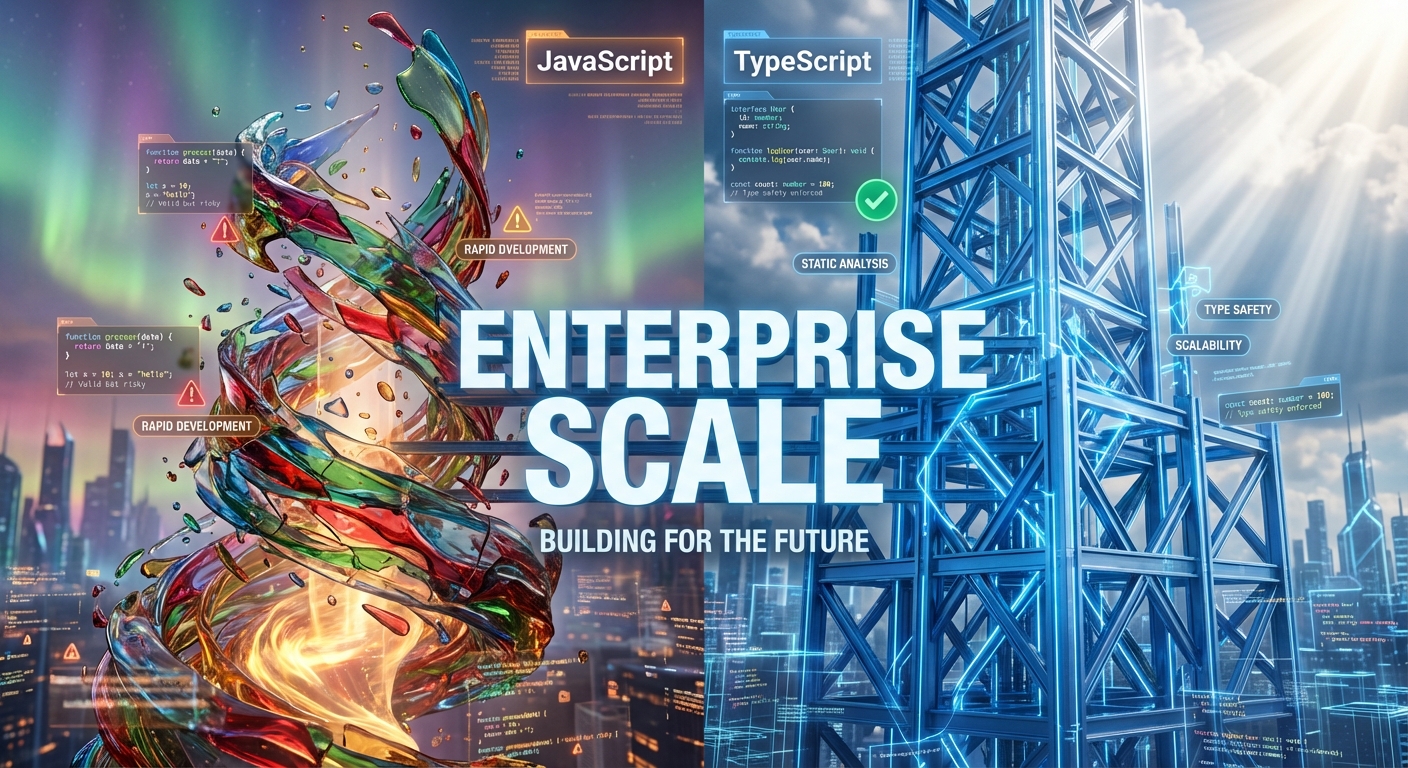
- The Core Difference: TypeScript vs JavaScript
- The "Safety Net": Static vs. Dynamic Typing
- Scalability: Why JavaScript Cracks Under Pressure
- Developer Experience: The ROI of Intellisense
- The Enterprise Verdict: When to Switch
- Frequently Asked Questions
TypeScript vs JavaScript for Enterprise: The Direct Answer
The primary difference lies in scalability and maintainability. JavaScript is a dynamic, loosely typed language ideal for rapid prototyping and small scripts. TypeScript is a superset of JavaScript that adds optional static typing, interfaces, and robust compile-time error checking. For enterprise applications, TypeScript is the superior choice because it prevents runtime errors, enables safe refactoring, and significantly improves developer experience through better tooling and auto-completion.
In the modern software landscape, the debate between TypeScript vs JavaScript is no longer just a preference—it is a strategic business decision. As applications grow from simple prototypes into complex, enterprise-grade ecosystems, the cracks in vanilla JavaScript begin to show. While JavaScript remains the undisputed king of the web for its ubiquity and flexibility, its lack of structure can become a liability when fifty developers are working on the same codebase.
Enterprises are increasingly adopting TypeScript not just to write code, but to write safer code. The transition is driven by a need for error prevention and long-term maintainability. This guide explores the technical mechanisms that make TypeScript the standard for large-scale development and helps you decide if the migration is worth the investment for your team.
The "Safety Net": Static vs. Dynamic Typing
The most defining feature separating these two technologies is their approach to typing. JavaScript uses dynamic typing, meaning variable types are determined at runtime. You can assign a number to a variable and then immediately reassign it to a string without the language complaining. For a solo developer building a quick feature, this is liberating and fast. However, in an enterprise environment, this flexibility often mutates into fragility. A common mistake in large JavaScript projects is the "undefined is not a function" error—a runtime crash caused by passing the wrong data type into a function, which often isn't discovered until a user actually triggers it.
TypeScript introduces static typing. This means you define what a variable is (e.g., a number, a string, or a specific User object) at the moment you write it. If you try to pass a text string into a function that expects a number, TypeScript will yell at you before you even run the code. This acts as an automated safety net, catching potential bugs during the development phase rather than in production. According to analysis from LogRocket, this compile-time validation is a game-changer for large teams, as it enforces a contract between different parts of the application.
Why does this matter for the bottom line? Error prevention. In a dynamic language, a simple typo can bring down a production server. With static typing, that typo is caught in the editor. This shift from "runtime debugging" to "compile-time verification" drastically reduces the cost of bugs. It’s akin to having a spell-checker that not only checks your grammar but ensures your logic is sound before you hit publish. For industries where data integrity is paramount—such as fintech or healthcare—this added layer of rigor is non-negotiable.
Scalability: Why JavaScript Cracks Under Pressure
When we talk about scalability in software engineering, we aren't just talking about traffic; we are talking about complexity. As a codebase grows from 5,000 lines to 500,000 lines, the mental model required to understand the system exceeds the capacity of any single developer. JavaScript, by its nature, is implicit. To know what an object contains, you often have to read the documentation (if it exists) or trace the code execution manually. In a massive enterprise repository, this ambiguity slows down development velocity.
TypeScript solves this scalability issue through explicit interfaces and types. An interface acts as a blueprint for your data. If you have a `Customer` object, you define exactly what fields it has (name, ID, email). Any developer, even one who joined the team today, can look at that interface and understand exactly how to interact with the data. This "self-documenting" nature of TypeScript is critical for team collaboration. It allows dozens of developers to work on the same module without stepping on each other's toes or breaking hidden dependencies.
Furthermore, refactoring—the process of restructuring existing code—is terrifying in a large JavaScript project. Changing a variable name or a function signature can break code in ten other files, and you won't know until the app crashes. In TypeScript, the compiler knows every reference. If you rename a function, the tooling can automatically update every single usage of that function across the entire project instantly. This capability allows enterprise teams to keep their codebase clean and modern without the fear of introducing regression bugs. Speaking of robust systems, understanding how to protect complex architectures is vital; you might find our article on How Machine Learning Transforms Cybersecurity Defenses relevant when considering the security implications of structured code.
Recommended Resource for Teams:

Developer Experience: The ROI of Intellisense
Developer experience (DX) is often dismissed as a "nice to have," but in an enterprise setting, it is a direct metric of productivity. TypeScript drastically enhances DX through its tight integration with IDEs like VS Code. Because the editor understands the shape of your data (thanks to those static types), it can provide intelligent autocompletion, known as Intellisense.
Imagine you are using a library with hundreds of functions. In JavaScript, you might have to constantly switch back and forth between your code and the API documentation to ensure you are typing the function name correctly. In TypeScript, you type a dot (`.`), and the editor presents you with a dropdown list of all available methods, complete with descriptions of what arguments they require. This reduces cognitive load and allows developers to stay in the "flow state."
A common misconception is that TypeScript slows developers down because they have to write more code (the type definitions). While the initial writing speed might be slightly lower, the maintenance speed is exponentially higher. The time saved from not having to hunt down obscure bugs or manually verify API responses pays for the upfront setup time many times over. Additionally, features like code navigation (clicking "Go to Definition") work flawlessly in TypeScript, whereas they are often hit-or-miss in JavaScript. This allows new team members to navigate a massive codebase with confidence, reducing onboarding time from weeks to days.
The Enterprise Verdict: When to Switch?
Despite the clear advantages, TypeScript is not a silver bullet for every single scenario. The decision to switch should be based on the specific needs of your project and team. If you are building a small marketing site, a simple script, or a prototype that might be thrown away in a week, the overhead of setting up a TypeScript configuration and defining types may not be worth it. JavaScript's "loose" nature is perfect for this kind of rapid, low-stakes exploration.
However, for enterprise applications, the verdict is clear. You should almost certainly choose TypeScript if:
- The codebase is large: Anything beyond a few thousand lines benefits from structure.
- The team is growing: Type definitions serve as living documentation for new hires.
- The code has a long lifespan: If this app needs to be maintained for 5+ years, TypeScript ensures it doesn't become a "legacy nightmare."
- Data integrity is critical: If you are handling financial transactions or user data, the extra safety net is essential.
The transition doesn't have to be all-or-nothing. TypeScript is designed to be incrementally adoptable. You can configure it to allow JavaScript and TypeScript files to coexist, allowing you to migrate your most critical modules first while leaving legacy code untouched. This flexibility is key for enterprises that cannot afford a complete rewrite. For teams looking to master these patterns, the book Effective TypeScript is an industry standard for learning best practices.

Frequently Asked Questions
What is the main advantage of TypeScript over JavaScript?
The main advantage is static typing. TypeScript allows developers to define variable types at compile time, which catches errors before the code is even run. This leads to more robust, maintainable code and better developer tooling like autocompletion and safe refactoring.
Does TypeScript affect runtime performance?
No. TypeScript is a "compile-time" language. It compiles down to standard JavaScript before it runs in the browser or on the server. Therefore, the runtime performance is identical to JavaScript. The performance "cost" is only during the build step (compilation).
Is TypeScript harder to learn than JavaScript?
There is a learning curve. Developers need to understand concepts like interfaces, generics, and types. However, because TypeScript is a superset of JavaScript, any valid JavaScript is technically valid TypeScript (depending on configuration), making the transition easier for experienced JS developers.
Can I use TypeScript with existing JavaScript libraries?
Yes. Most popular JavaScript libraries (like React, Vue, and Node.js) have excellent TypeScript support. Even libraries written in plain JS often have community-maintained "Type Definition" files (via DefinitelyTyped) that allow you to use them seamlessly in a TypeScript project.
Why is TypeScript preferred for enterprise applications?
Enterprises prefer TypeScript because it scales better. The strict typing and interface systems make it easier for large teams to collaborate on the same codebase without breaking things. It acts as self-documentation and prevents entire classes of bugs that are common in large JavaScript projects.